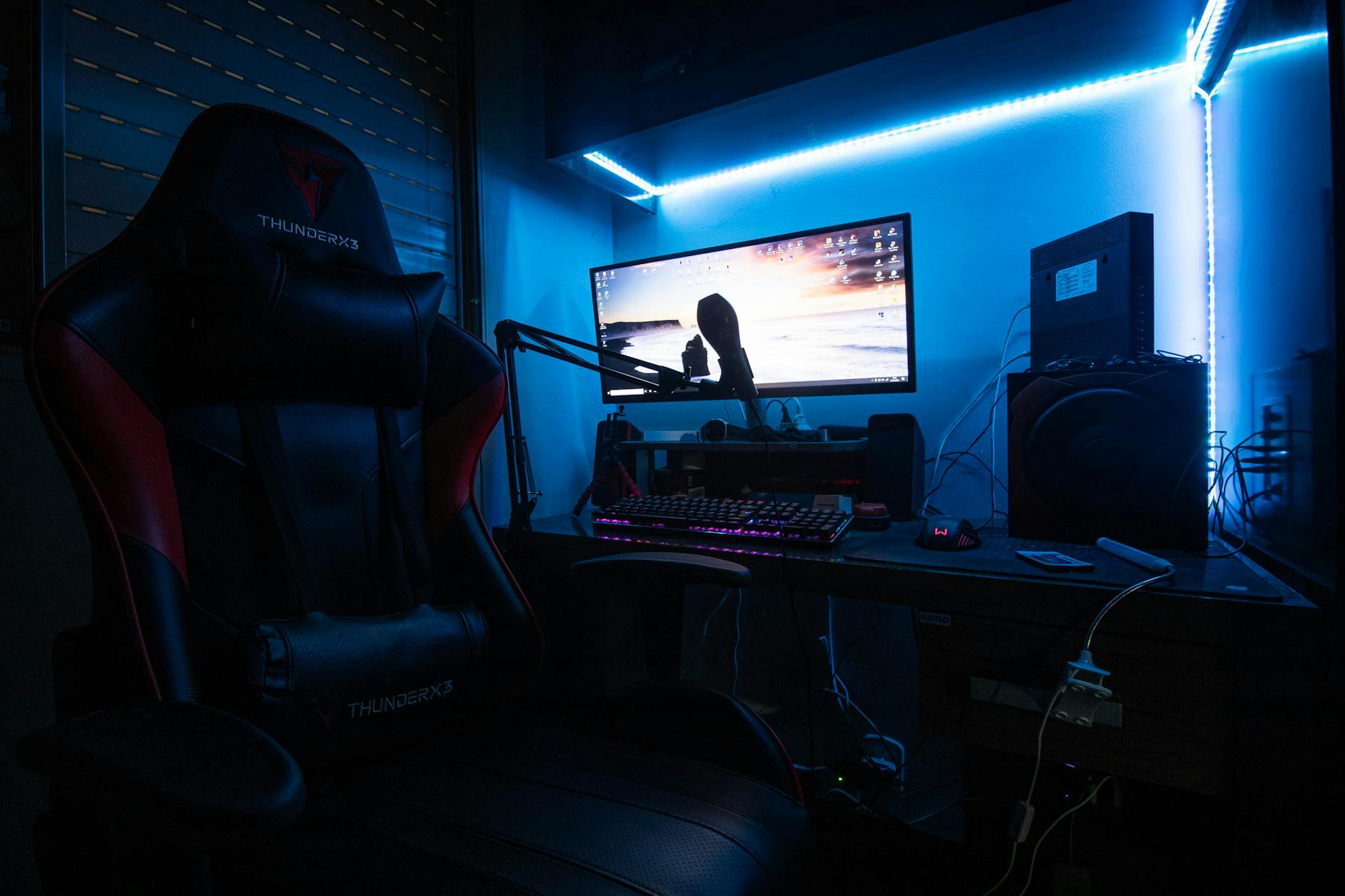
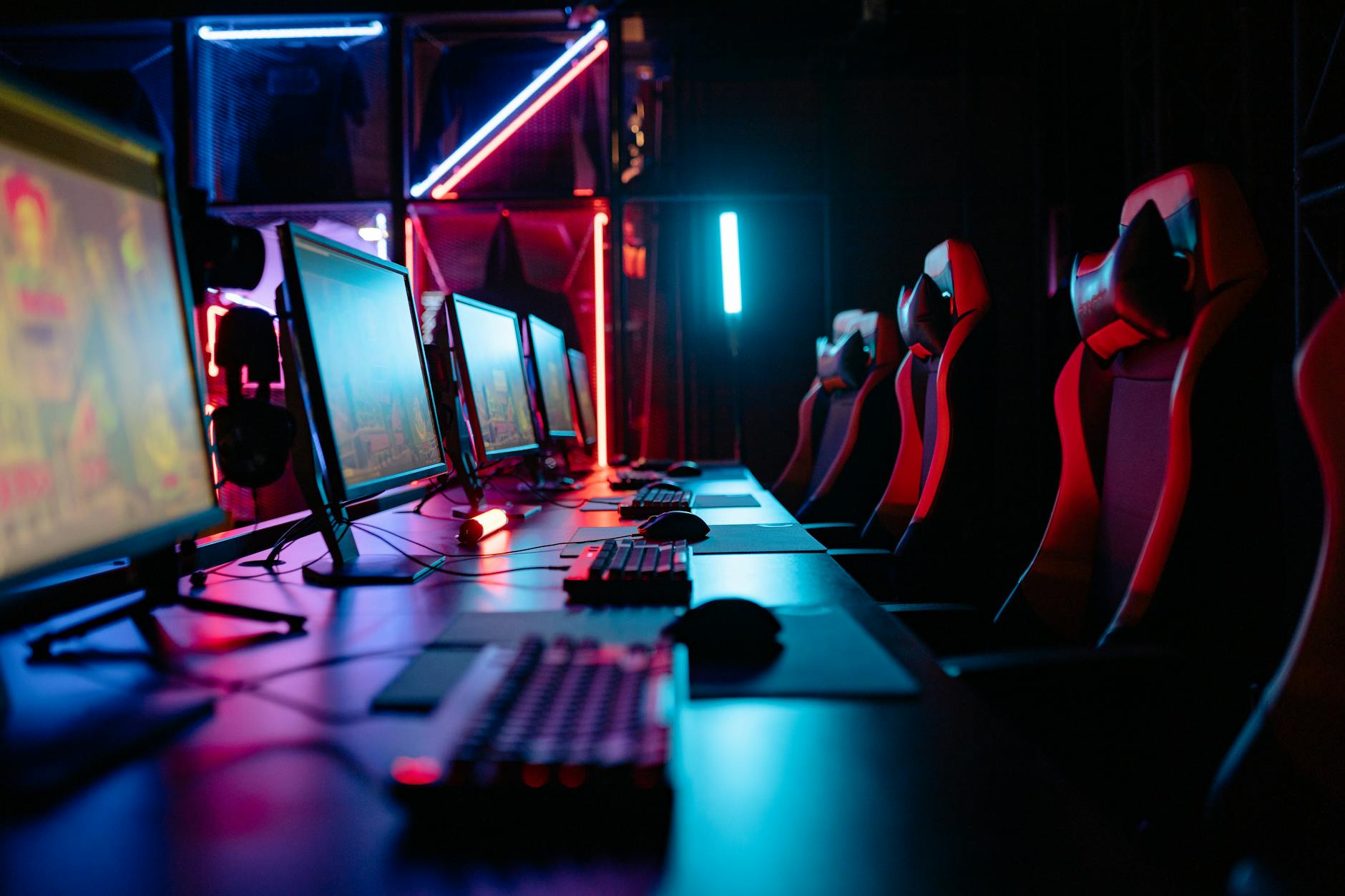
Gaming setups have a marketing problem. Every "ultimate setup" tour online features RGB-lit towers, triple-monitor arrays, and gear that costs more than most people's monthly rent. None of that is necessary to have a setup you genuinely enjoy sitting down at. Here's how to build one that performs well without draining your savings.
Start With What Actually Affects Gameplay
Before buying anything, understand the priority order. Some purchases change how games feel to play; others just change how your setup looks. Spend your first dollars here:
- A stable internet connection — for anything multiplayer, latency matters more than almost any hardware upgrade
- A comfortable chair — you'll notice a bad chair within an hour; you'll rarely notice a mediocre GPU
- A monitor with low input lag — a fast, responsive display beats a slightly prettier one every time
- Peripherals that fit your hands — an ill-fitting mouse or controller causes fatigue that no amount of raw power fixes
Everything else — case lighting, custom cables, elaborate desk mats — is decoration. Fun decoration, but decoration.
The Monitor Is Where Budget Buyers Overspend or Underspend
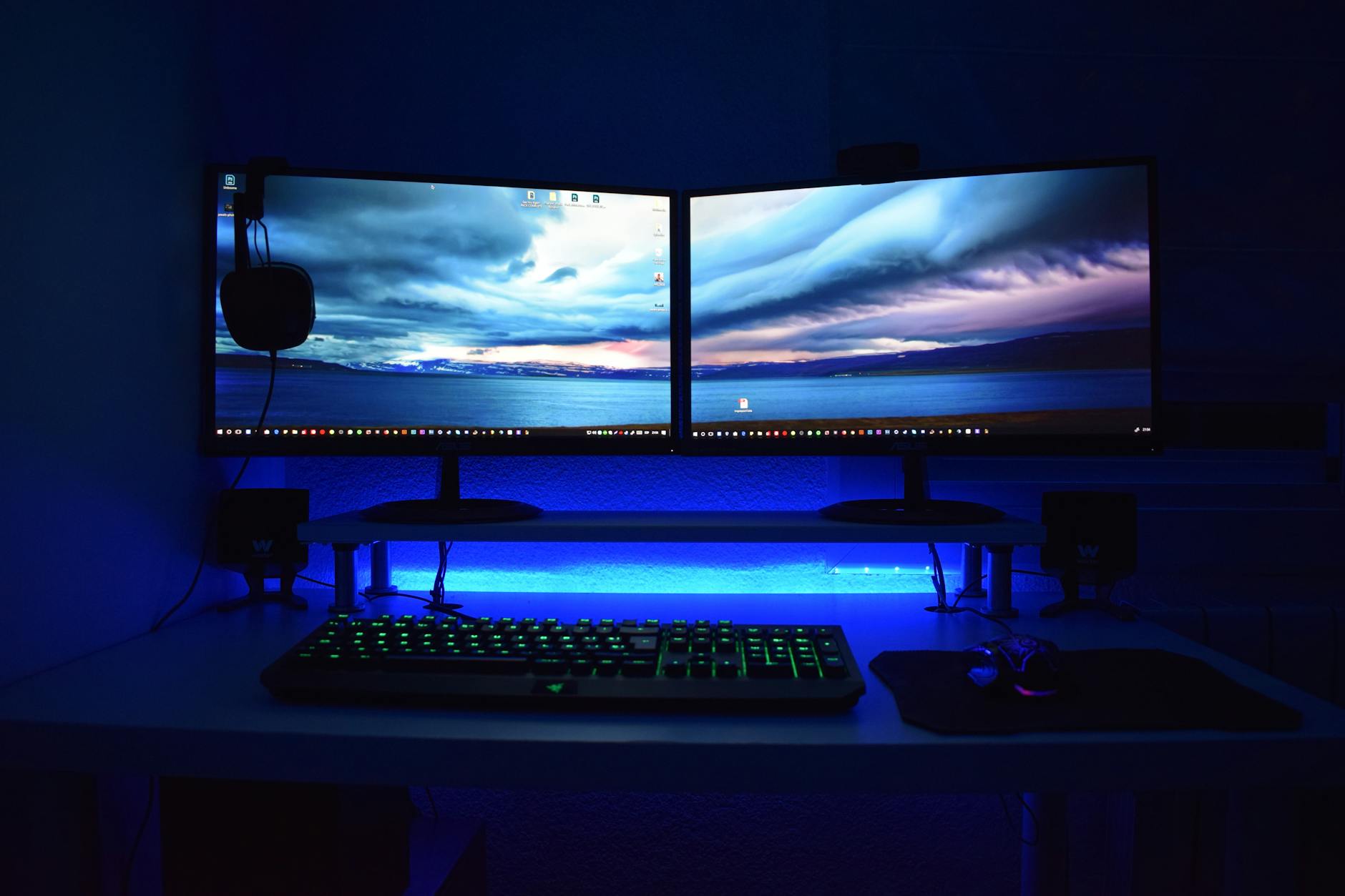
A common mistake is either buying the cheapest 60Hz monitor available or overspending on a 240Hz panel you don't need. For most people, a 1080p or 1440p monitor at 144Hz is the sweet spot: noticeably smoother than 60Hz, widely available under $200, and matched well to what mid-range hardware can actually output. Save the 240Hz+ panels for competitive shooter players who can consistently hit those frame rates.
Building or Buying: What Makes Sense in 2026
If you're PC gaming, used and previous-generation hardware offers the best value by far. A GPU that was flagship two years ago now sells for a fraction of its original price and still handles current games well at 1080p or 1440p. Marketplaces with buyer protection (not random classifieds) are the safest way to shop used components.
If building isn't your thing, prebuilt systems from smaller boutique PC brands often beat big-box retailers on price-to-performance, since they're not paying for as much brand markup. Compare the exact component list, not just the sticker price.
Console gaming remains the simpler budget path — a current-gen console plus a couple of accessories gets you a complete, low-maintenance setup for a fraction of PC costs.
Peripherals: Where a Little Money Goes a Long Way
You don't need a $200 mechanical keyboard to have a great typing and gaming experience. Budget mechanical keyboards in the $40-60 range now use switches nearly identical to premium options — the main difference is case materials and extra features like hot-swappable switches, which matter far less than they sound.

For mice, weight and shape matter more than sensor specs once you're above the budget-tier sensors, which are already accurate enough for the vast majority of players. Try to test the shape in person if at all possible; comfort is more individual than any spec sheet can capture.
Audio Doesn't Require a Headset at All
If you already have decent headphones, a $15-20 USB microphone adapter or boom mic often beats a bundled gaming headset's built-in mic and audio quality combined. Splitting audio and voice into separate, purpose-built devices is frequently cheaper than an all-in-one headset and sounds better on both ends.
The Setup You Can Skip Entirely
A few popular "must-haves" are genuinely optional:
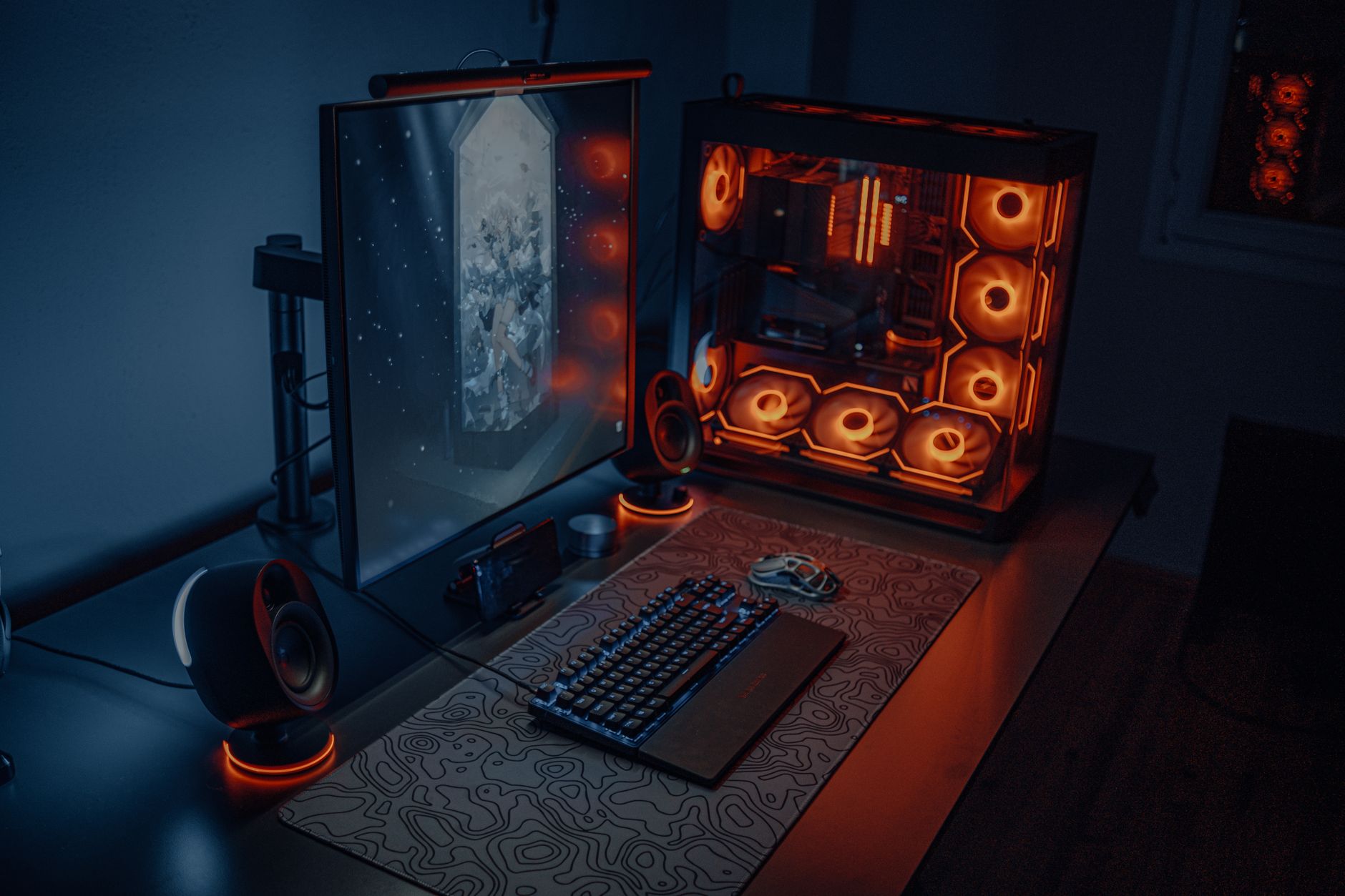
- RGB lighting — zero performance impact, purely aesthetic
- A second or third monitor — useful for streaming or productivity, rarely necessary for gaming itself
- Premium desk mats and cable sleeves — nice, but irrelevant to how anything performs
- The newest-generation GPU — last-gen flagship cards frequently outperform current-gen mid-range cards for less money
A Realistic Budget Breakdown
For a complete, comfortable setup under $600 total: a used or previous-gen GPU-equipped PC or a current console (the bulk of the budget), a 144Hz 1080p monitor, a budget mechanical keyboard, a comfortable mouse, and headphones you already own or can find secondhand. That combination will outperform a flashier setup assembled with less intention.
Monitor and Chair First, Decoration Last
A great gaming setup is about matching your spending to what actually changes your experience — responsiveness, comfort, and reliability — rather than chasing the aesthetic of a setup built for a YouTube thumbnail. Prioritize the monitor and chair, buy peripherals that fit your hands, and skip anything purely decorative until the essentials are covered.