The Best Productivity Apps to Get More Done
Discover the top productivity apps that can help you manage tasks, stay focused, and accomplish more every single day.

April 13, 2026
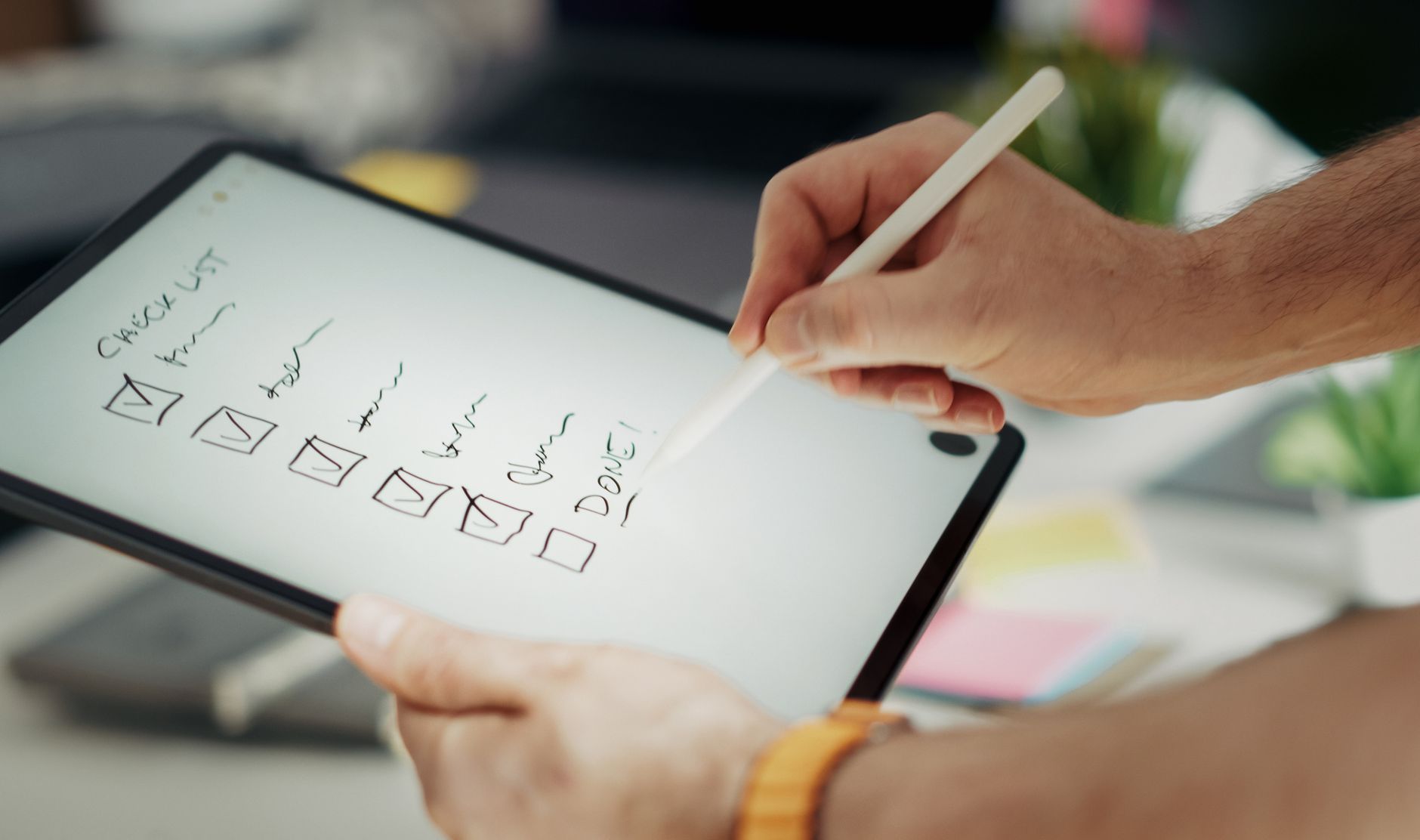
We've all been there — staring at a growing to-do list, bouncing between browser tabs, and somehow ending the day feeling like nothing meaningful got done. The truth is, willpower alone isn't enough to stay productive in a world designed to distract you. That's where the right apps come in. According to a 2023 study by McKinsey, workers spend nearly 60% of their time on "work about work" — things like searching for information, switching between tools, and managing communications rather than doing deep, meaningful tasks. The right productivity apps can dramatically shrink that wasted time and help you reclaim your day.
But with thousands of options flooding the App Store and Google Play, how do you know which ones are actually worth your time? We've done the heavy lifting for you. Here's a curated breakdown of the best productivity apps across every category that matters, along with practical tips for making them work in your real life.
Task Management Apps: Your Digital Command Center
If you don't have a reliable system for capturing and organizing tasks, everything else falls apart. These apps serve as your single source of truth for what needs to get done.
Todoist
Todoist is the gold standard for personal task management. Its clean interface lets you quickly capture tasks using natural language — type "Submit report every Friday at 3pm" and it automatically sets the recurring due date. With projects, labels, filters, and priority levels, you can organize everything from grocery lists to complex work projects.
Best for: Individuals and small teams who want a lightweight but powerful task manager.
Notion
Notion goes far beyond simple to-do lists. It's a hybrid workspace that combines notes, databases, wikis, kanban boards, and task lists into one flexible tool. You can build a custom productivity dashboard that tracks your goals, stores meeting notes, and manages projects — all in a single app.
Best for: People who want an all-in-one workspace and don't mind a slight learning curve.
Asana
For team-based productivity, Asana is hard to beat. It offers multiple project views (list, board, timeline, and calendar), task dependencies, automated workflows, and integrations with tools like Slack, Google Drive, and Zoom. If you're managing collaborative projects, Asana keeps everyone aligned without endless status-update meetings.
Best for: Teams of all sizes managing complex, multi-step projects.
Read also
The Best Habit Tracking Apps in 2025Focus and Time Management Apps: Beating Distraction
Knowing what to do is only half the battle. Actually sitting down and doing it — without checking your phone every five minutes — requires intentional focus tools.
Forest
Forest turns focus into a game. When you want to concentrate, you plant a virtual tree. If you leave the app to scroll social media, your tree dies. Over time, you grow an entire forest that represents your focused work sessions. It's surprisingly motivating, and the app even partners with a real tree-planting organization, so your productivity can literally help the planet.
Best for: Anyone who struggles with phone addiction during work sessions.
Toggl Track
You can't improve what you don't measure. Toggl Track is a simple, elegant time-tracking app that lets you see exactly where your hours go. Start a timer when you begin a task, stop it when you're done, and review detailed reports at the end of the week. Many freelancers and remote workers have discovered they were spending far less time on deep work than they assumed — and Toggl helped them course-correct.
Best for: Freelancers, remote workers, and anyone who wants honest data about their time usage.
Focus@Will
This app uses neuroscience-based music channels designed to improve concentration. Unlike regular playlists, Focus@Will curates instrumental tracks at specific tempos and energy levels proven to help sustain attention. Many users report being able to focus 2–3 times longer with the right audio channel playing in the background.
Best for: People who work better with background music but find regular playlists distracting.
Note-Taking and Knowledge Management: Capturing Ideas That Matter
Great productivity isn't just about doing tasks — it's about capturing ideas, insights, and information so nothing slips through the cracks.
Obsidian
Obsidian has taken the knowledge-management world by storm. It stores your notes as plain Markdown files on your device and lets you link them together to create a personal "second brain." The graph view visually maps connections between your ideas, helping you spot patterns and relationships you might otherwise miss.
Best for: Researchers, writers, students, and lifelong learners who want deep knowledge organization.
Google Keep
Sometimes you don't need a complex system — you just need to jot something down fast. Google Keep is perfect for quick notes, checklists, voice memos, and image captures. It syncs seamlessly across all your devices, and you can color-code and label notes for easy retrieval. Its simplicity is its superpower.
Best for: Quick capture and lightweight note-taking without any friction.
Communication and Collaboration: Working Better Together
Productivity doesn't happen in isolation. These tools keep communication streamlined so you spend less time in your inbox and more time in flow.

Slack
Slack organizes team communication into channels by project, topic, or department. Instead of drowning in email threads, you get real-time messaging, file sharing, and integrations with hundreds of other tools. The key to making Slack productive (rather than another distraction) is setting boundaries:
- Mute non-essential channels during deep work blocks
- Use scheduled messages instead of interrupting colleagues
- Set your status to signal when you're in focus mode
- Batch your Slack time into 2–3 check-ins per day rather than monitoring constantly
Loom
Loom lets you record quick video messages — your screen, your face, or both — and share them with a link. It's perfect for explaining complex ideas, giving feedback, or providing updates without scheduling yet another meeting. A five-minute Loom can replace a thirty-minute call.
Best for: Remote and hybrid teams looking to reduce unnecessary meetings.
Automation Apps: Let Robots Do the Boring Stuff
The most productive people don't just work harder — they eliminate repetitive tasks entirely.
Zapier
Zapier connects over 6,000 apps and automates workflows between them without any coding. Here are a few practical examples:
- Automatically save email attachments from Gmail to Google Drive
- Create Todoist tasks from starred Slack messages
- Send a weekly digest of completed Asana tasks to your team's Slack channel
- Log Toggl time entries into a Google Sheets spreadsheet for invoicing
Once you start automating, you'll wonder how you ever tolerated doing these things manually.
IFTTT (If This Then That)
IFTTT works similarly to Zapier but shines for personal automations and smart home integrations. You can set up "applets" like automatically silencing your phone during calendar events, logging your work hours to a spreadsheet, or getting a daily weather briefing each morning.
Best for: Personal automation and smart home productivity routines.
How to Actually Build a Productive App Stack
Here's the mistake most people make: they download a dozen apps, feel overwhelmed, and abandon all of them within a week. Instead, follow this approach:
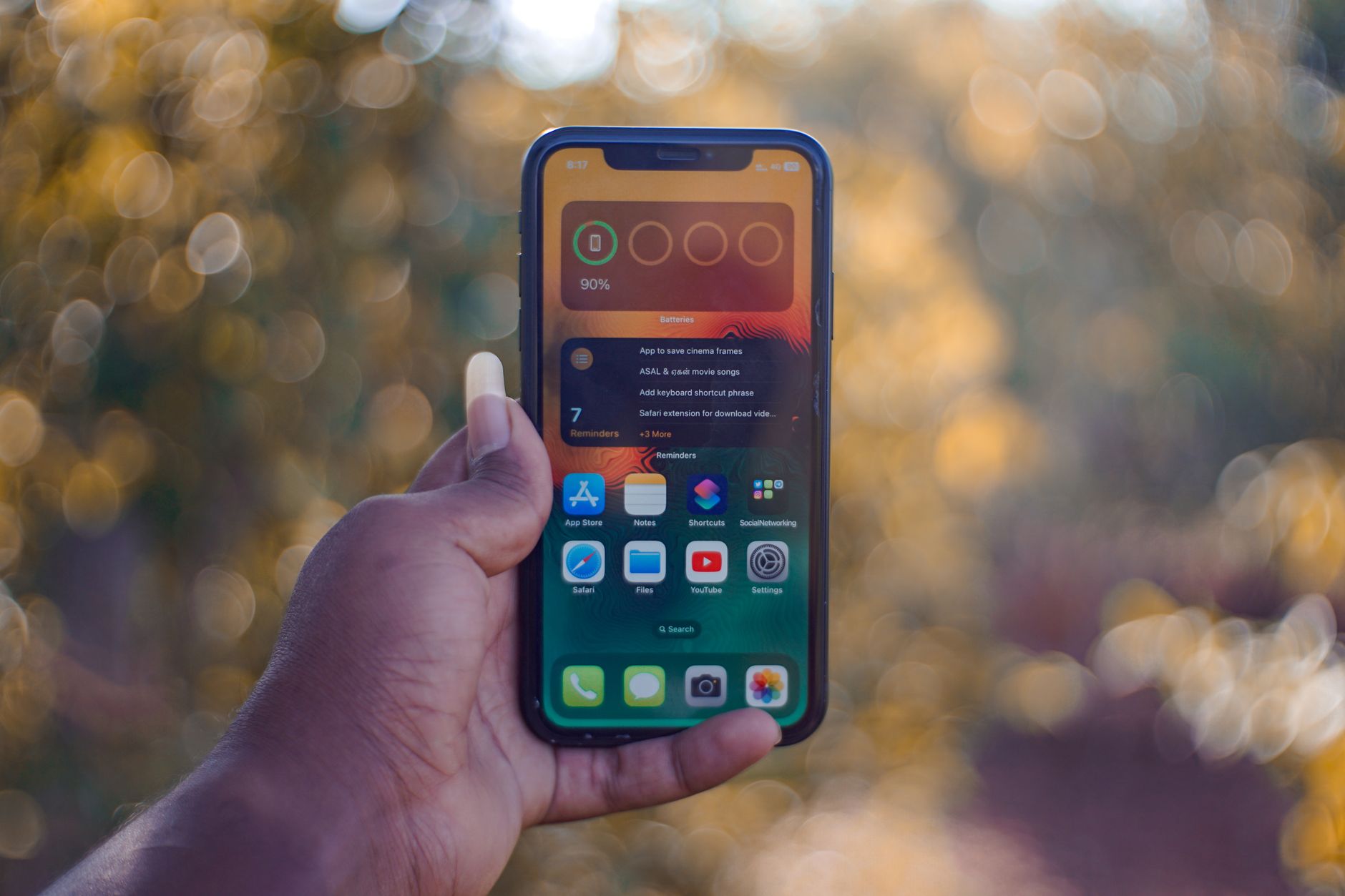
- Start with one core task manager and commit to it for 30 days before adding anything else.
- Add a focus tool once your task system feels solid.
- Integrate gradually — connect your apps using Zapier or native integrations so information flows automatically.
- Audit quarterly — every three months, ask yourself which tools you're actually using and cut the rest.
The goal isn't to have the most apps. It's to have the right apps working together as a system that supports how you naturally think and work.
The Bottom Line
Productivity apps are tools, not magic wands. The best app in the world won't help if you haven't clarified your priorities or established basic work habits. But when you pair clear intentions with the right digital tools, the results compound quickly. You'll spend less time managing chaos, more time doing meaningful work, and actually end each day feeling like you moved the needle. Start small, stay consistent, and let your tools do the heavy lifting they were designed for.