Few things are more frustrating than watching your phone hit 20% battery before noon. You've probably tried turning down brightness or switching to low power mode, but if you're doing those things reactively — when the battery is already dying — you're already losing the battle.
The real solution is understanding what actually drains your battery and addressing it before it becomes a problem. Here's what actually works in 2026.
The Biggest Battery Drain You're Ignoring
Screen brightness is the most obvious culprit, but it's not the worst one. Background app activity is. Apps that you're not actively using are still running in the background, syncing data, checking for notifications, and refreshing content. On most phones, this happens constantly unless you tell it not to.
On iPhone: Go to Settings → General → Background App Refresh. Turn it off globally, or selectively for apps that don't need real-time updates. Social media apps, news apps, and shopping apps are prime candidates for disabling.
On Android: Go to Settings → Battery → Battery Optimization (exact path varies by manufacturer). Set non-essential apps to "Optimized" or "Restricted."
This single change can extend battery life by 20–30% for heavy users.
Location Services: The Silent Drain
Every app that's tracking your location is drawing power. Check which apps have "Always On" location access — you may be surprised.

On iPhone: Settings → Privacy & Security → Location Services. Any app set to "Always" that doesn't genuinely need it (like a flashlight app or a game) should be changed to "While Using" or "Never."
On Android: Settings → Location → App Permissions. Same logic applies.
Read also
The Best Free Productivity AppsGoogle Maps, Uber, and similar apps legitimately need background location. Most others don't.
Screen Settings That Actually Matter
Adaptive brightness is your friend — let the phone adjust automatically rather than keeping it pinned at max. On iPhones, this is called "Auto-Brightness" under Accessibility → Display & Text Size. On Android, it's typically under Display settings.
Always-On Display features look great in ads but cost real battery. If your phone has one and you're not getting through the day, disable it.
Refresh rate: Many flagship phones now default to 120Hz refresh rates. Dropping to 60Hz (usually under Display → Motion settings) can noticeably extend battery life with minimal visible difference for most users.
Push Email vs. Fetch: Pick Your Battles
Having your email set to "Push" means the server contacts your phone the moment a new message arrives. This keeps a persistent connection open and drains battery. Switching to "Fetch" — where your phone checks for new email every 15 or 30 minutes — saves power without meaningfully affecting your workflow for most people.
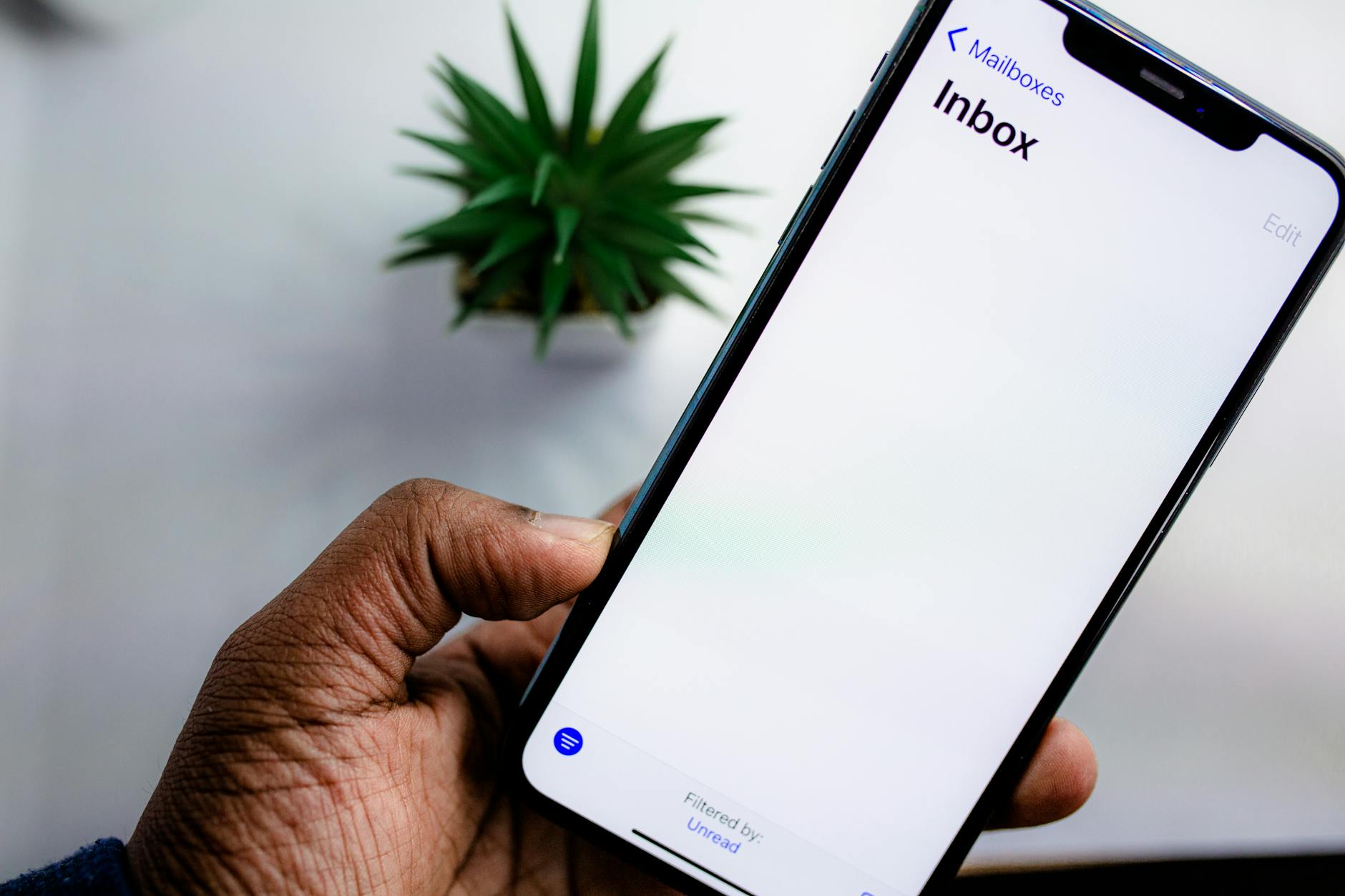
On iPhone: Settings → Mail → Accounts → Fetch New Data. On Android: This is managed within individual email apps, usually under account sync settings.
Wi-Fi vs. Cellular: The Counterintuitive Truth
Many people think turning off Wi-Fi saves battery. It often doesn't. When you're in an area with Wi-Fi available, your phone uses significantly less power on Wi-Fi than on cellular. The exception is when you're in a poor Wi-Fi coverage area — then the phone struggles to maintain both connections and uses more power overall.
The real rule: keep Wi-Fi on when you have good signal, turn it off when you're moving between locations and relying on cellular anyway.
Similarly, Bluetooth drains minimal battery unless you have active connections (headphones, smartwatch). Don't stress about Bluetooth if you're actually using it.
5G: Worth the Battery Cost?
In 2026, 5G coverage is broad enough that most urban and suburban users stay connected most of the day. But 5G does consume more power than LTE, particularly when your phone is actively searching for a 5G signal in marginal coverage areas.
If you're in a weak 5G zone and your battery is struggling, switching to LTE-only mode (Settings → Cellular → Network Selection on iPhone; Settings → Network & Internet → SIMs on Android) can make a real difference.
Charge Smarter
How you charge matters as much as how you use.
Avoid full discharge cycles. Lithium-ion batteries degrade faster if you regularly run them to 0%. Try to plug in before you hit 20%.
Don't leave it at 100% indefinitely. Leaving a phone plugged in at full charge overnight generates heat that gradually degrades the battery. Many modern phones have "Optimized Charging" features that slow the final phase of charging — make sure this is enabled.
Heat is the enemy. Don't leave your phone in a hot car, don't use fast charging constantly if you can avoid it, and don't cover it with a thick case while charging for extended periods. Heat permanently reduces battery capacity.
When to Accept That Your Battery Is Just Old
Lithium-ion batteries lose capacity over time, no matter how carefully you treat them. After 500–800 full charge cycles (roughly 1.5–2 years of daily use), most batteries are at 80% or less of their original capacity.
iPhone: Check Settings → Battery → Battery Health & Charging. Anything below 80% and Apple recommends replacement.
Android: Battery health tools vary by manufacturer. Some have it built in; third-party apps like AccuBattery can give you an estimate.
A battery replacement typically costs $50–$100 and can make a two-year-old phone feel new again. It's often the best value upgrade you can make before buying a new device.
The bottom line: most battery problems are behavioral before they're hardware. Spend 20 minutes adjusting your settings, and your phone will start making it to dinner.