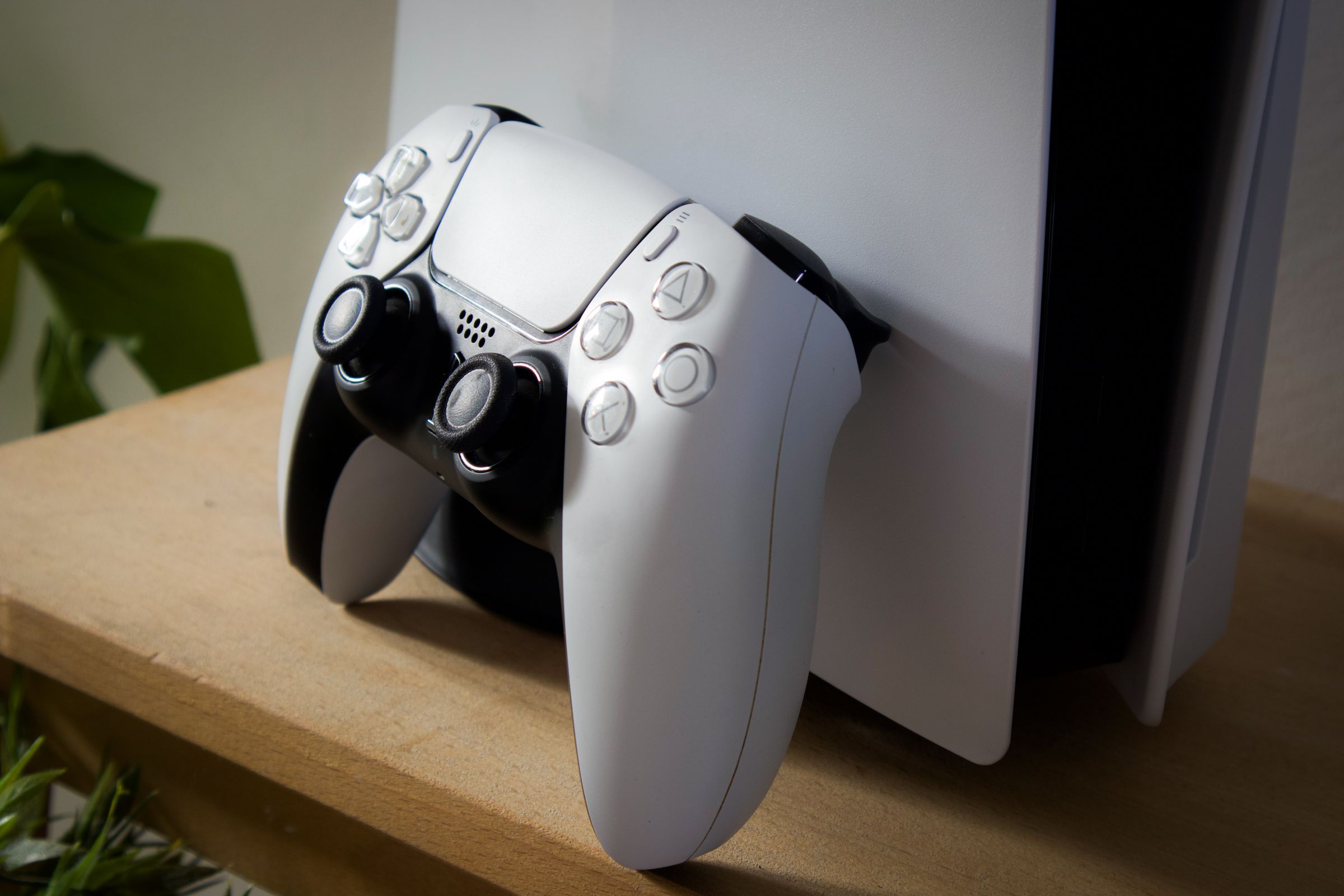
Console prices normally fall as a generation ages. This one went the other way. A global shortage of memory and storage chips, on top of last year's tariffs, has pushed every major console up, and buyers have noticed: US hardware sales in August were the lowest for that month in 13 years, according to the market research firm Circana.
If the console under your TV still works, it has quietly become the best-value console you can get. This guide covers what the manufacturers themselves say keeps one running. It sticks to things you can do without opening the case.
What a Replacement Costs Now
US prices, as reported by Yahoo Finance on 9 October:
- PS5 Digital Edition: $399 at launch, $599 now
- PS5 (with disc drive): $499 at launch, $649 now
- PS5 Pro: $699 at launch, $899 now
- Xbox Series S: $299 at launch, $499 now
- Xbox Series X: $499 at launch, $749 now
- Nintendo Switch 2: $449 at launch, $499 now
Availability is getting patchy too. Circana's Mat Piscatella told Yahoo Finance that some products are starting to disappear from shelves, and that the PS5 Pro is particularly hard to find, with some retailers selling used ones for more than $1,000.
Heat Is the Main Thing You Control
All three manufacturers give the same core advice: a console needs open air around it, and most problems start when it doesn't get it.
- PS5: at least 10cm (about 4 inches) of free space on each side, not on a long-pile carpet or rug, and not in a narrow or cramped space (Sony).
- Xbox Series X and S: at least 4–6 inches of clearance on all sides, and never inside an enclosed cabinet (Microsoft).
- Switch 2 dock: an open, ventilated area away from heat sources, with nothing covering the dock's vent (Nintendo).
Microsoft's page has the most detail, and most of it applies to any console. Don't put anything on top of it, under it or right next to it: "even something that seems insignificant, like a disc case, may limit ventilation." Keep it off beds and sofas. Keep it out of bookcases and AV cabinets unless they are genuinely well ventilated, and away from radiators and amplifiers. Microsoft also notes that a console feeling hot around its vents is normal. That is the heat it is getting rid of.
The common failure is the TV cabinet with a closed door. It looks tidy and it traps exactly the heat the console is trying to push out.
Clean the Vents, Not the Inside
Dust is the other half of the problem. Microsoft says plainly that "excessively dusty environments" reduce cooling performance.
Sony's instructions for the PS5 are short. First unplug the power cable from the back of the console, "for safety reasons". Then use a low-powered vacuum cleaner to remove dust in and around the air vents. Nintendo gives the same advice for the Switch 2 dock: clear dust and debris from the vent, and remove any stickers, decals or accessories that cover it.
How often depends on the room: pets, carpets and a shelf near a window all bring more dust. Opening the console to clean the fan is a different job, and we are not covering it here.
Controllers Wear Out First
The part most likely to fail is not the console but the controller, and the usual fault is stick drift: the character or camera moves when you aren't touching the stick. A worn controller is also far cheaper to deal with than a console.
- DualSense Edge (PS5): the stick modules are designed to come out. Sony sells replacements, and a swap needs no tools: the faceplate comes off by hand and each module is released with a small lever, as Tom's Guide shows.
- Standard Xbox controller: iFixit sells parts for the Series X|S controller, several of them labelled "Genuine Microsoft Part". They include a replacement motherboard assembly ($34.99) that comes with the internal joysticks, as well as single joysticks ($9.99, not genuine). These repairs mean opening the controller, and iFixit publishes guides for them.
- Standard DualSense and Switch 2 controllers: start with the manufacturer's repair service, especially if the controller is under a year old.
Know When It Needs a Repair
Some signs mean the console is past what placement and a vacuum can fix:
- Xbox: if it keeps shutting down even with clear vents and nothing around it, Microsoft says "it needs service". You request that through Device Services, and the console must be registered.
- Switch 2: if the dock gets hot in TV mode, check that its fan starts running. If it doesn't, or if overheating continues after you have moved and cleaned it, Nintendo says the dock needs to be sent in for service.
- PS5: a loud fan during demanding games is normal. Sony says the fan is "temporarily working at a faster rate" to cool the system. If the noise doesn't settle after you clean the vents and make room around the console, contact PlayStation Support.
While a console or controller is under warranty, faults the warranty covers are usually repaired free. Check the terms before you or anyone else opens it.
The Cheapest Console This Year Is the One You Have
None of this is complicated: room to breathe, no closed cabinet, a quick vacuum of the vents every so often, and a controller repair rather than a replacement. With a new PS5 costing up to $200 more than it did at launch, ten minutes of looking after the one you have is the best deal in gaming right now. If you are also short of storage, our guide to getting a PS5 or Xbox ready for GTA 6 covers how to free up space without deleting anything for good.
Sources
- Yahoo Finance — Video game hardware sales plunge to 13-year low as prices soar on memory, storage shortage
- PlayStation Support — PS5 console is making noise
- Xbox Support — How to position and ventilate your Xbox console
- Nintendo Support — Switch 2 dock becomes hot and stops outputting to TV or charging
- Tom's Guide — How to replace the analog sticks on your DualSense Edge
- iFixit — Xbox Series X wireless controller parts