How to Leverage AI Assistants Like Siri for Productivity: A Beginner's Guide
AI assistants can save you over an hour daily — if you know how to use them right. Discover simple, powerful ways to boost your productivity starting today.

June 14, 2026
You talk to your phone every day — but are you actually putting it to work? AI assistants like Siri, Google Assistant, and Alexa have evolved dramatically in 2026, yet most people still use them for little more than checking the weather or setting a kitchen timer. That's like buying a sports car and never leaving the driveway. If you're ready to unlock the real productivity potential hiding inside the devices you already own, this beginner's guide will show you exactly how to get started.
Why AI Assistants Are a Productivity Game-Changer in 2026
According to a 2025 study by Accenture, professionals who actively integrated AI assistants into their daily workflows saved an average of 72 minutes per day — time previously lost to scheduling, searching for information, managing reminders, and handling repetitive tasks. By mid-2026, these tools have become even more capable, with improved contextual understanding, deeper app integrations, and the ability to handle multi-step requests in a single command.
The bottom line? AI assistants aren't just convenient — they're a genuine competitive advantage. Whether you're a student juggling assignments, a freelancer managing multiple clients, or a busy parent trying to stay organized, these tools can handle the mental clutter so you can focus on what actually matters.
Getting Started: Setting Up Your AI Assistant for Success
Before you start barking commands, take 15 minutes to properly set up your assistant. This small investment makes everything that follows significantly more effective.
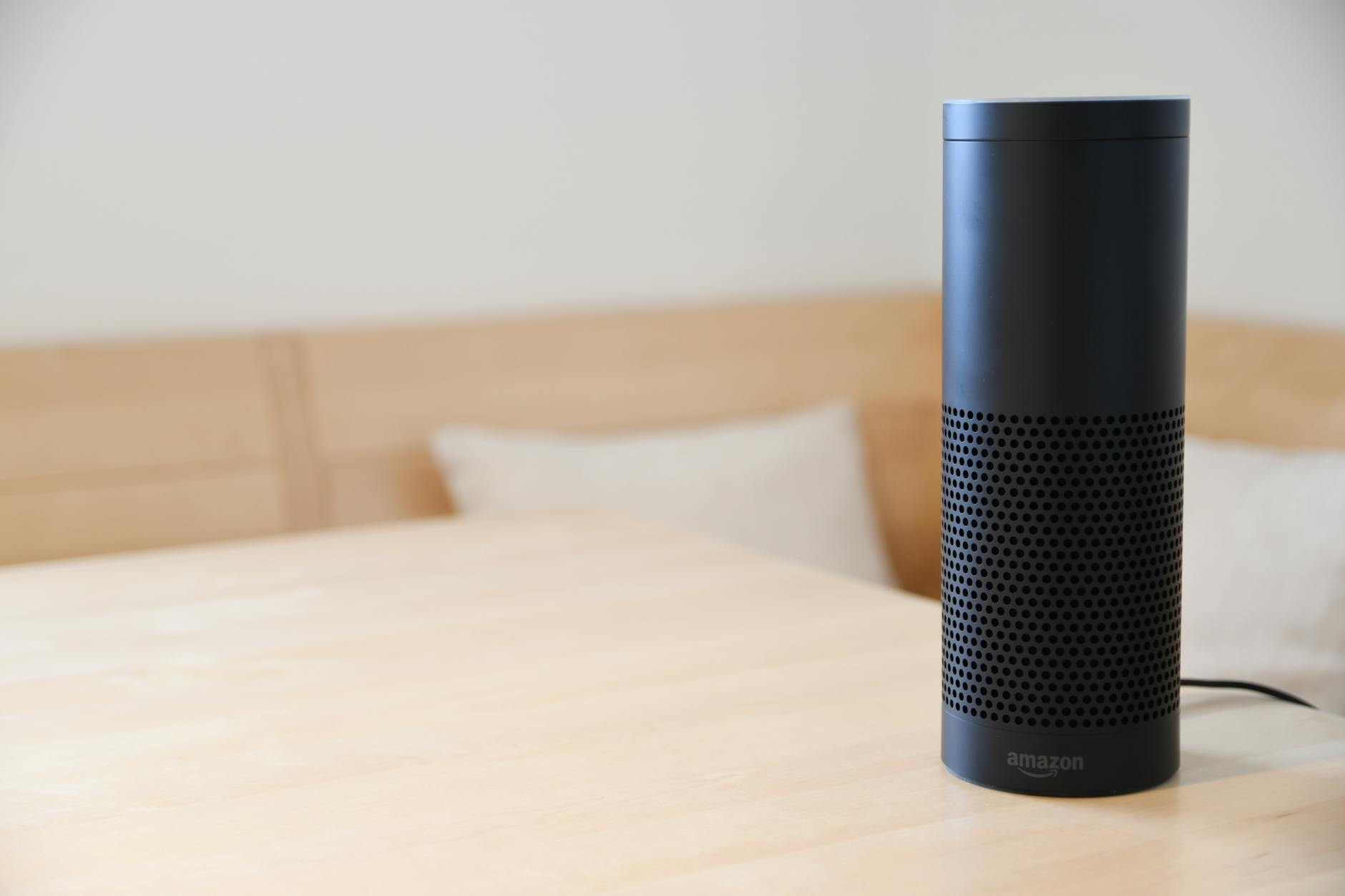
1. Personalize Your Settings
- Siri: Go to Settings > Siri & Search. Enable "Listen for 'Hey Siri'" and turn on Siri Suggestions for your most-used apps. In 2026, Siri's on-device intelligence means your data stays private while still delivering personalized results.
- Google Assistant: Open the Google app, tap your profile icon, and go to Assistant Settings. Fill out your personal info — home address, work address, preferred news sources, and linked services.
- Alexa: Use the Alexa app to connect your calendar, email, and smart home devices under Settings > Account Settings.
2. Connect Your Essential Apps
AI assistants become exponentially more useful when they can talk to your other tools. Link your:
- Calendar (Google Calendar, Apple Calendar, Outlook)
- Task manager (Reminders, Todoist, Microsoft To Do)
- Email accounts
- Note-taking apps (Apple Notes, Google Keep, Notion)
- Music and podcast apps
- Smart home devices
The more connected your ecosystem, the more your assistant can do without you lifting a finger.
Five Practical Ways to Boost Your Daily Productivity
Now for the good stuff. Here are five actionable strategies you can start using today.
1. Master Your Schedule with Voice Commands
Stop fumbling through your calendar app. Instead, try commands like:
- "Hey Siri, schedule a team meeting for Thursday at 2 PM and invite Sarah and Mike."
- "Hey Google, what does my afternoon look like tomorrow?"
- "Alexa, move my 3 o'clock to 4:30."
You can create, modify, and review appointments in seconds — all hands-free. This is especially powerful when you're driving, cooking, or in the middle of another task.
2. Build a Reminder System That Actually Works
Your brain is terrible at remembering things at the right time. Your AI assistant isn't. Use location-based and time-based reminders to stay on top of everything:
- "Remind me to buy printer ink when I leave the office."
- "Remind me to call the accountant every Monday at 9 AM."
- "Remind me to take a break in 45 minutes."
The key is consistency. Once you start offloading these micro-tasks to your assistant, you free up mental bandwidth for deeper, more creative work.
3. Automate Repetitive Tasks with Shortcuts and Routines
This is where most beginners leave massive productivity gains on the table. Both Apple's Shortcuts app (integrated with Siri) and Google's Routines feature let you chain multiple actions into a single command.
Example: A "Good Morning" Routine
With one phrase — "Hey Siri, good morning" — you can trigger a sequence that:
- Turns on your lights
- Reads your calendar for the day
- Gives you a weather update
- Plays your favorite news briefing
- Starts a coffee maker (if you have a smart plug)
Example: An "End of Day" Shortcut
- Logs your working hours
- Sends a summary email to your team
- Enables Do Not Disturb mode
- Starts a wind-down playlist
Setting these up takes about 10 minutes, but they save you time and decision fatigue every single day.
4. Capture Ideas and Notes Instantly
Great ideas don't wait for you to find a pen. Use your assistant as a voice-powered notepad:
- "Hey Siri, add a note: Blog post idea — comparison of project management tools."
- "Hey Google, create a shopping list and add avocados, eggs, and sourdough bread."
In 2026, Siri's enhanced natural language processing means you can dictate longer, more complex notes and it will format them intelligently — including bullet points and paragraph breaks.
5. Stay Focused with Timers and Focus Modes
The Pomodoro Technique and time-blocking are proven productivity methods, and AI assistants make them effortless:
- "Set a timer for 25 minutes — deep work session."
- "Turn on Work Focus Mode."
- "Hey Siri, block notifications from social media for the next two hours."
These commands help you create distraction-free windows without navigating through multiple settings screens.
Common Mistakes Beginners Should Avoid
Even with the best tools, certain habits can hold you back:

- Being too vague. Instead of "Remind me about the thing," say "Remind me to send the proposal to David by 5 PM Friday." Specificity gets better results.
- Not reviewing suggestions. Siri and Google Assistant learn your patterns and proactively suggest automations. Check these suggestions in your settings — they're often surprisingly useful.
- Ignoring privacy settings. Take time to review what data your assistant stores and adjust permissions to your comfort level. In 2026, most major assistants offer robust on-device processing options that keep your data local.
- Giving up too quickly. AI assistants improve with use. The more you interact with them, the better they understand your voice, preferences, and habits.
Looking Ahead: What's Next for AI Assistants
As of mid-2026, we're seeing AI assistants move beyond simple command-and-response interactions toward genuine contextual awareness. Siri's latest updates include the ability to understand follow-up questions without repeating context, integrate with third-party apps more deeply through the App Intents framework, and even summarize long email threads or documents on request.
Google Assistant now offers proactive task suggestions based on your behavioral patterns, while Alexa's workplace integrations have made it a serious contender for small business productivity.
The trajectory is clear: these tools are only getting smarter, more intuitive, and more integrated into our daily lives.
Your Next Step
Here's a simple challenge: pick just one strategy from this guide and use it consistently for the next seven days. Whether it's setting up a morning routine, capturing notes by voice, or finally connecting your calendar, start small. Once you experience how much smoother your day feels with an AI assistant doing the heavy lifting, you'll wonder how you ever managed without one.

The best productivity tool is the one you actually use — and it's already in your pocket.

