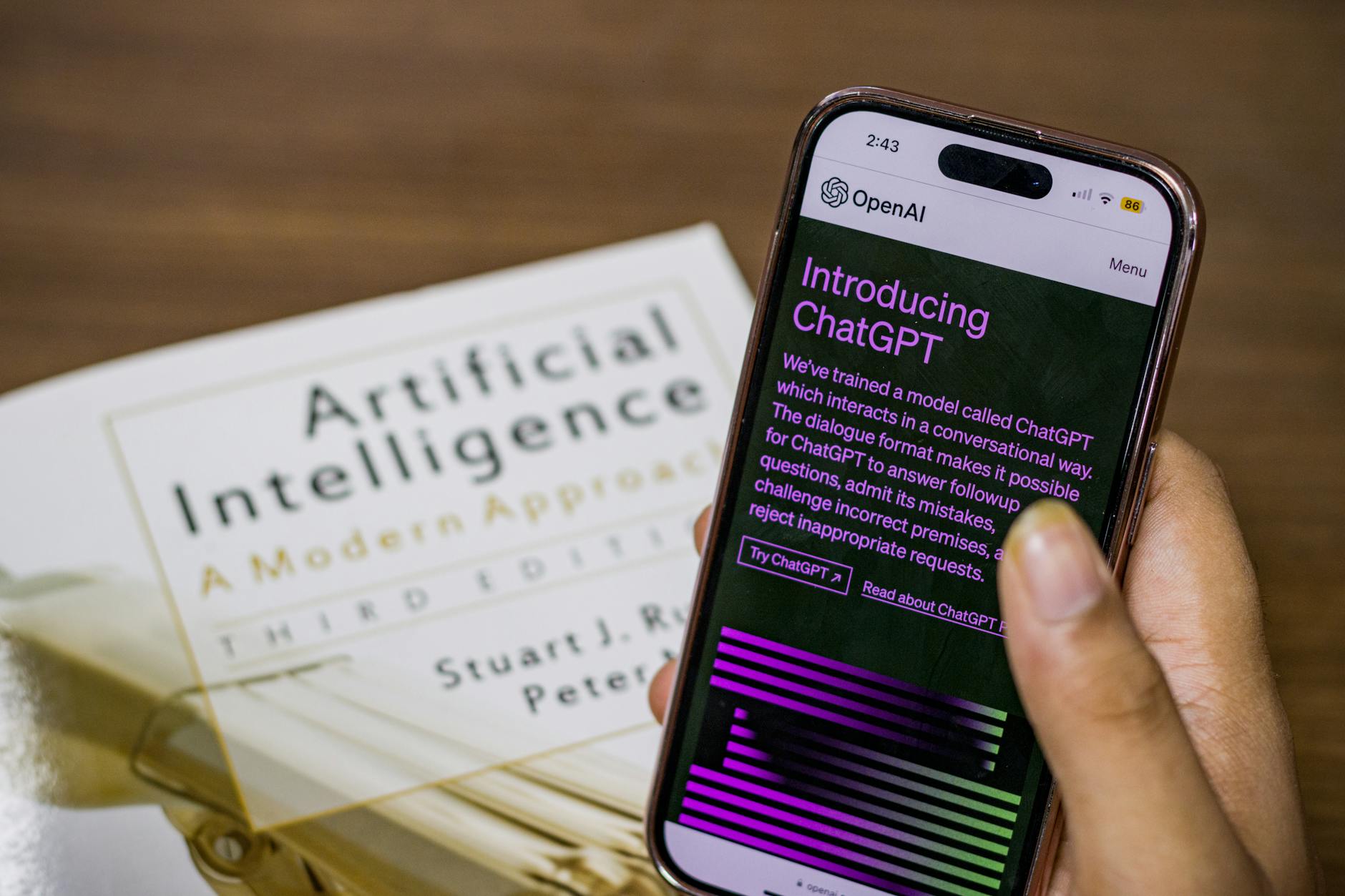
ChatGPT has been used by hundreds of millions of people since its launch, but most are still using it at a fraction of its actual capability — mostly for one-off questions, not as an integrated work tool. The professionals getting the most value from it have built specific, repeatable workflows around it.
Here's exactly how to use ChatGPT to meaningfully accelerate your work.
Setting Up for Success: GPT-4o vs. Free Tier
The free tier uses GPT-4o mini, which handles basic tasks well. For complex writing, analysis, and coding, ChatGPT Plus ($20/month, GPT-4o) is significantly more capable — particularly for nuanced writing quality and longer documents.
Read also
The Best Free Productivity AppsCustom instructions (available on free and paid): Set up your profile once and ChatGPT remembers your preferences:
- Your role and industry
- Preferred communication style (formal/casual, concise/detailed)
- Common context (company type, audience, goals)
This eliminates repetitive setup and produces better, more personalized outputs immediately.
Writing and Communication
First drafts: Describe what you need and let AI produce the first draft. You edit — it's far faster to refine than to start from blank.

Prompt: "Write a professional email to a client explaining we're missing their project deadline by one week due to a supplier delay. Acknowledge the inconvenience, provide a revised timeline, and offer a 5% discount on the next project. Tone should be apologetic but confident."
Editing existing writing: Paste your draft: "Edit this paragraph for clarity and conciseness. Maintain my voice but remove unnecessary words and improve flow."
Repurposing content: Turn a long report into an executive summary, a blog post into social media captions, or meeting notes into a formatted action list.
Tone adjustment: "Rewrite this paragraph in a more casual, friendly tone for a consumer audience" or "Make this sound more authoritative and evidence-based."
Research and Analysis
Summarize documents: Paste long articles, reports, or papers: "Summarize the key findings of this research in 5 bullet points. Flag anything I should investigate further."
Competitive analysis: "Compare these three product descriptions [paste them]. Identify each brand's positioning, key messages, apparent target audience, and any gaps in their claims."
Data interpretation: Paste data tables or statistics: "What are the three most important insights from this data? What questions should I investigate further?"
Literature review: "Give me an overview of the current research on [topic]. Include key findings, areas of debate, and leading researchers. Note that your knowledge has a cutoff and I'll verify specific citations."
Brainstorming and Problem-Solving
Generate options: "I need 15 email subject line ideas for a newsletter about personal finance tips for millennials. Make them varied in tone and approach."

Devil's advocate: "Here's my business plan [paste it]. Argue against it as if you're a skeptical investor. What are the three biggest weaknesses?"
Decision framework: "I'm deciding between [Option A] and [Option B]. Here are the factors that matter to me: [list factors]. Help me think through this decision systematically."
Meetings and Documentation
Meeting prep: "I have a 45-minute client meeting to discuss their annual marketing strategy. They're a B2B software company. Give me 10 questions I should ask and 3 challenges I should be prepared to address."
Meeting summarization: Paste raw notes: "Clean up these meeting notes into a structured summary with: attendees, key decisions made, open questions, and action items with owners."
SOPs and documentation: "Turn these bullet points into a professional standard operating procedure document that a new employee could follow."
Coding and Technical Work
Even non-developers benefit from ChatGPT for technical tasks:

- Excel/Google Sheets formulas: "Write a formula that looks up a value in column A and returns the corresponding value from column C"
- SQL queries: Describe what data you need in plain English
- Script automation: "Write a Python script that reads all .csv files in a folder and combines them into one file"
- Error debugging: Paste error messages: "Explain this error and suggest fixes"
Working With Custom Instructions and Memory
Build a library of effective prompts for tasks you do repeatedly. Treat them as assets — a prompt that reliably produces great meeting summaries is worth saving and reusing.
Use context setting liberally: Start each new conversation with: "You are helping [your role] at [company type]. Our audience is [description]. Our tone is [tone]. I'll be asking you to [task type]."
Break complex tasks into steps: Instead of "write a complete content strategy," try: "First, let's define the goals. Then we'll identify the audience. Then outline the channels..." Sequential prompting produces better results than single mega-prompts.
What ChatGPT Doesn't Replace
- Real-time information (knowledge cutoff applies; always verify time-sensitive facts)
- Deep domain expertise and professional judgment
- Relationship-based trust and credibility
- Creative vision and strategic direction
- Empathy in sensitive human situations
Use it as a powerful first-draft and thinking partner, not a replacement for the judgment you bring to your work.