iOS 27 and macOS Golden Gate: The 250 New Features Apple Is Rolling Out
Apple just unveiled 250+ features across iOS 27 and macOS Golden Gate. Here's everything that matters — and what to try first.

June 11, 2026
Apple's Worldwide Developers Conference wrapped up this week, and the sheer volume of announcements is staggering. Across iOS 27, macOS Golden Gate, iPadOS 27, watchOS 14, and visionOS 4, Apple introduced over 250 new features — the largest single-year feature expansion in the company's history. Whether you're an iPhone power user, a Mac creative, or a developer building the next big app, there's something here that will fundamentally change how you interact with your devices. Let's break down the most important changes you need to know about.
The Big Picture: What's Driving This Massive Update?
Apple has been steadily integrating on-device machine learning and its Apple Intelligence framework since 2024, but 2026 marks the year these technologies stop feeling like add-ons and start feeling like the operating system itself. According to Apple, over 73% of active iPhone users now interact with at least one Apple Intelligence feature daily — a figure that's nearly tripled in just 18 months.
The naming of macOS "Golden Gate" is notable too. Following macOS Sequoia and macOS Tahoe, Golden Gate evokes connectivity and bridging — fitting for an update that focuses heavily on cross-device continuity and seamless handoffs between Mac, iPhone, iPad, and Vision Pro.
iOS 27: The Standout Features
A Completely Reimagined Home Screen
Apple has finally given the home screen its most dramatic overhaul since iOS 14's widgets. iOS 27 introduces Spaces — context-aware home screen configurations that automatically shift based on your location, time of day, or current Focus mode.

- Work Space can surface Slack, Calendar, and your project management app while suppressing social media.
- Travel Space brings up Maps, Wallet, and translation tools when you arrive at an airport.
- Spaces are fully customizable but come with intelligent defaults that learn from your behavior over time.
Siri, Reborn (Again)
This year's Siri upgrade is the one people have been waiting for. Apple calls it Siri Conversational, and it delivers genuinely multi-turn, context-aware conversations. You can now say something like, "Find that restaurant my wife texted me about last Thursday, check if they have outdoor seating on their website, and make a reservation for Saturday at 7," and Siri will handle the entire chain — pulling from Messages, Safari, and a supported reservation service.
Key Siri improvements include:
- On-screen awareness — Siri can see and act on whatever is displayed on your screen.
- App intents chaining — Third-party apps can now be linked together in complex multi-step actions.
- Personal context memory — Siri remembers preferences and past interactions within a rolling 30-day window, all processed on-device.
Health and Wellness Upgrades
- Respiratory health monitoring uses the iPhone's microphone and accelerometer to detect irregular breathing patterns during sleep.
- Mood journaling in the Health app now integrates with Apple Intelligence to offer gentle, personalized mental health insights.
- A new Medication Interactions feature cross-references your medication list and flags potential conflicts using a continuously updated clinical database.
Privacy and Security
iOS 27 introduces Secure Capsules — isolated, encrypted containers for sensitive apps like banking, health, and private messaging. These capsules require biometric authentication each time they're accessed, even if the phone is already unlocked. Apple also rolled out Contact Verification 2.0, extending iMessage contact key verification to FaceTime and third-party apps that adopt the API.
macOS Golden Gate: What's New for the Mac
A Unified Design Language
macOS Golden Gate brings a subtle but meaningful visual refresh. Window chrome is thinner, translucency effects are more refined, and a new adaptive color engine automatically adjusts UI accent colors based on your wallpaper, time of day, and ambient light. It's the most cohesive macOS has looked in years.
Supercharged Finder
Finder finally gets the intelligence upgrade it deserves:
- Natural language search — Type "photos from the Italy trip in May" and Finder will surface the right files.
- Smart Collections — Automatically organized folders that group related files across locations using on-device AI tagging.
- Quick Actions 2.0 — Right-click any file to get context-aware actions like "summarize this PDF," "convert to PNG," or "send to my iPad."
Pro Workflows
For creative and professional users, Golden Gate delivers:
- Live collaboration in Final Cut Pro and Logic Pro, with real-time multi-user editing similar to what Google Docs has offered for documents.
- Xcode 28 with a deeply integrated AI coding assistant that can generate, refactor, and debug code with project-level context awareness.
- Virtual Display Tiling for Vision Pro, allowing Mac users to create multi-monitor setups entirely in spatial computing.
Cross-Device Continuity
The headline continuity feature is Universal Clipboard 3.0, which now supports not just text and images but entire file bundles, project states, and even active app sessions. Start a Keynote presentation on your Mac, hand it off to your iPad mid-slide, and pick it back up on your iPhone — without saving, syncing, or exporting anything manually.
iPadOS 27, watchOS 14, and visionOS 4: Quick Highlights
- iPadOS 27 finally delivers a true windowed multitasking mode on M-series iPads, supporting up to four resizable app windows plus Stage Manager.
- watchOS 14 adds a real-time hydration tracker using skin conductance sensors on Apple Watch Ultra 3, plus a rebuilt Workout app with AI-generated training plans.
- visionOS 4 introduces Spatial Personas 2.0 — more realistic, full-body avatars for FaceTime and collaborative workspaces — alongside a new Travel Mode with enhanced spatial anchoring for use on planes and trains.
When Can You Get These Features?
Developer betas for all platforms are available now as of WWDC 2026. Public betas are expected in July 2026, with general availability slated for September 2026 alongside anticipated new hardware.
Here's a practical tip: don't install the developer beta on your primary device. Early betas are notoriously unstable. If you want early access without the risk, wait for the public beta in July and use a secondary device if possible.
What This Means for the Apple Ecosystem
With 250 new features, it's easy to get lost in the details. But the overarching theme of 2026's software lineup is clear: Apple is betting everything on intelligent, context-aware computing that works seamlessly across every device you own. The walls between apps, between devices, and between input methods are dissolving.
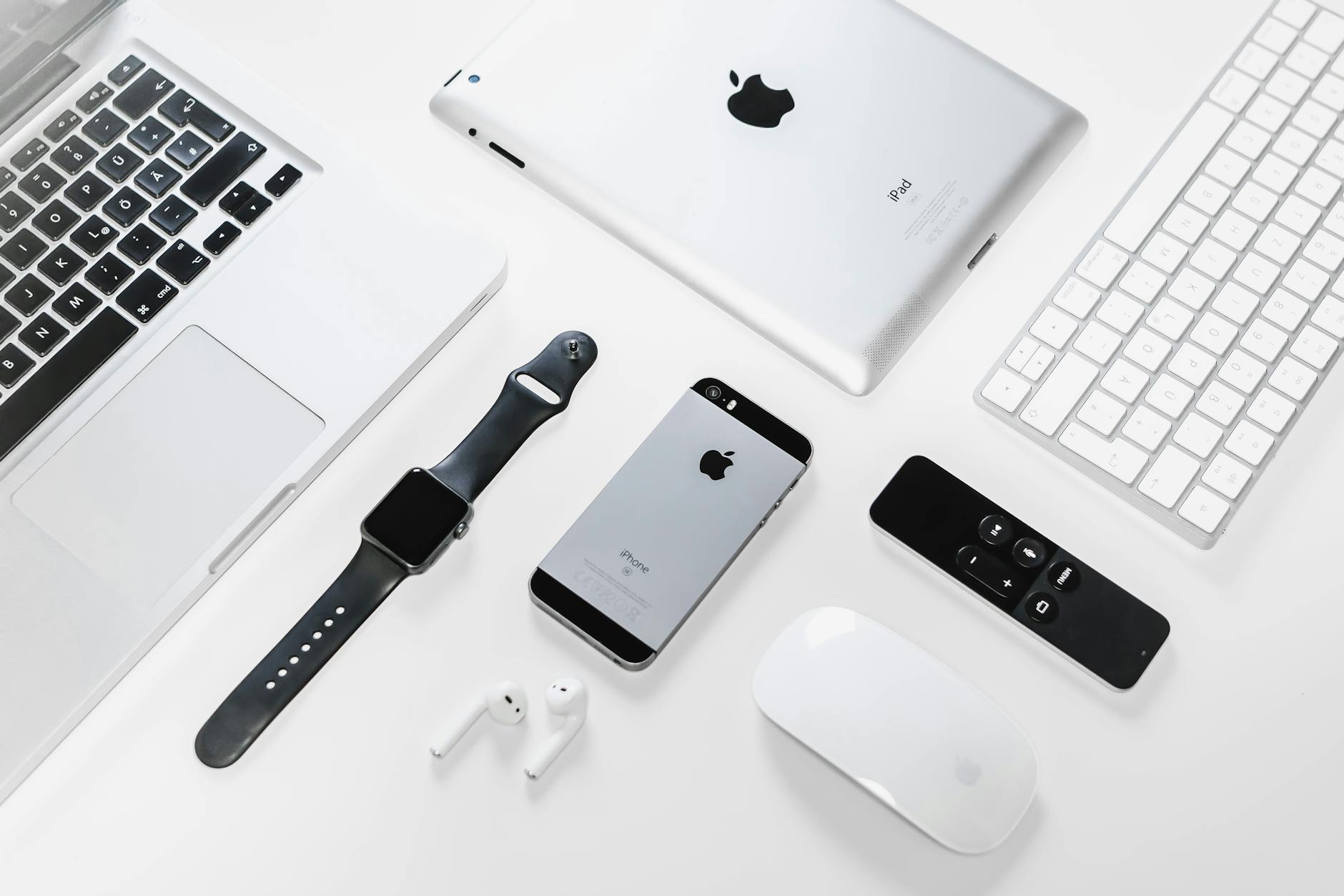
For everyday users, this means less time managing your technology and more time actually using it. For developers, it means an enormous new surface area of APIs and capabilities to build on — particularly around Apple Intelligence, App Intents, and spatial computing.
Whether you're excited about Siri finally keeping up with a real conversation, or you've been waiting years for proper Mac-to-iPad continuity, this is the update cycle where Apple's long-term bets start paying off in tangible, daily-use ways. September can't come soon enough.