
VPN advertising is among the most aggressive in the tech industry. Sponsorships dominate YouTube, podcasts, and review sites, with claims of "military-grade encryption" and "complete online anonymity." Some of this marketing is accurate. A lot of it is misleading. Whether you actually need a VPN depends on what you're trying to accomplish.
What a VPN Actually Does
When you connect to the internet normally:
- Your device connects to your router
- Your router connects to your ISP (Comcast, AT&T, Verizon, etc.)
- Your ISP connects to the website or service you're visiting
- The website sees your IP address
A VPN intercepts step 3. Instead of your traffic going directly to the destination, it routes through an encrypted tunnel to a VPN server in a location of your choice. The website sees the VPN server's IP address, not yours. Your ISP sees encrypted traffic going to the VPN — it can't see what sites you're visiting.
That's it. That's what a VPN does. The confusion arises from overstating what this achieves.
What a VPN Does NOT Do
It doesn't make you anonymous. If you're logged into Google, Facebook, or any website, they know exactly who you are regardless of your IP address. Browser fingerprinting (the unique combination of your browser version, screen resolution, fonts, and dozens of other attributes) identifies you with high accuracy even without cookies.

It doesn't protect you from malware, phishing, or hacking. A VPN is not antivirus software. It protects your internet traffic in transit — it doesn't protect your device.
It doesn't protect you on work networks. Your employer monitors work network traffic at a level that bypasses what a VPN on your device does.
It doesn't protect you from law enforcement with legal authority. Reputable VPN companies have been served with government requests and have cooperated when they do log data.
When a VPN Is Genuinely Useful
Public Wi-Fi
This is the clearest use case. On an unsecured network in a coffee shop, airport, or hotel, other users on the same network can potentially intercept unencrypted traffic. A VPN prevents this by encrypting your traffic before it leaves your device.
Read also
Chrome V8 Zero-Day Vulnerability CVE-2026-11645: What You Need to Know and How to Protect YourselfNote: Most websites now use HTTPS (look for the padlock icon), which already encrypts your connection. The risk on public Wi-Fi is lower than it was five years ago. But a VPN adds a layer of protection for apps or sites that don't use HTTPS, and also prevents the venue itself from tracking your browsing.
ISP Data Selling
In the US, your ISP is legally allowed to collect and sell your browsing history to advertisers. A VPN prevents your ISP from seeing what sites you visit. Whether you consider this a priority depends on your comfort with your ISP having this data.
Geo-Restricted Content
Connecting through a VPN server in another country lets you access content restricted to that country — streaming libraries, sports broadcasts, regional pricing. This is widely used and is explicitly against the terms of service for most streaming platforms (though rarely enforced against individual users).
Accessing Work Networks Remotely
Corporate VPNs (which are different from consumer VPNs) create a secure connection to your company's internal network when working remotely. This is a legitimate and widespread security practice.
Choosing a VPN (If You Decide You Need One)
The most important factor in a VPN isn't speed or price — it's trust. A dishonest VPN is worse than no VPN, because you're routing all your traffic through a company that might sell it.
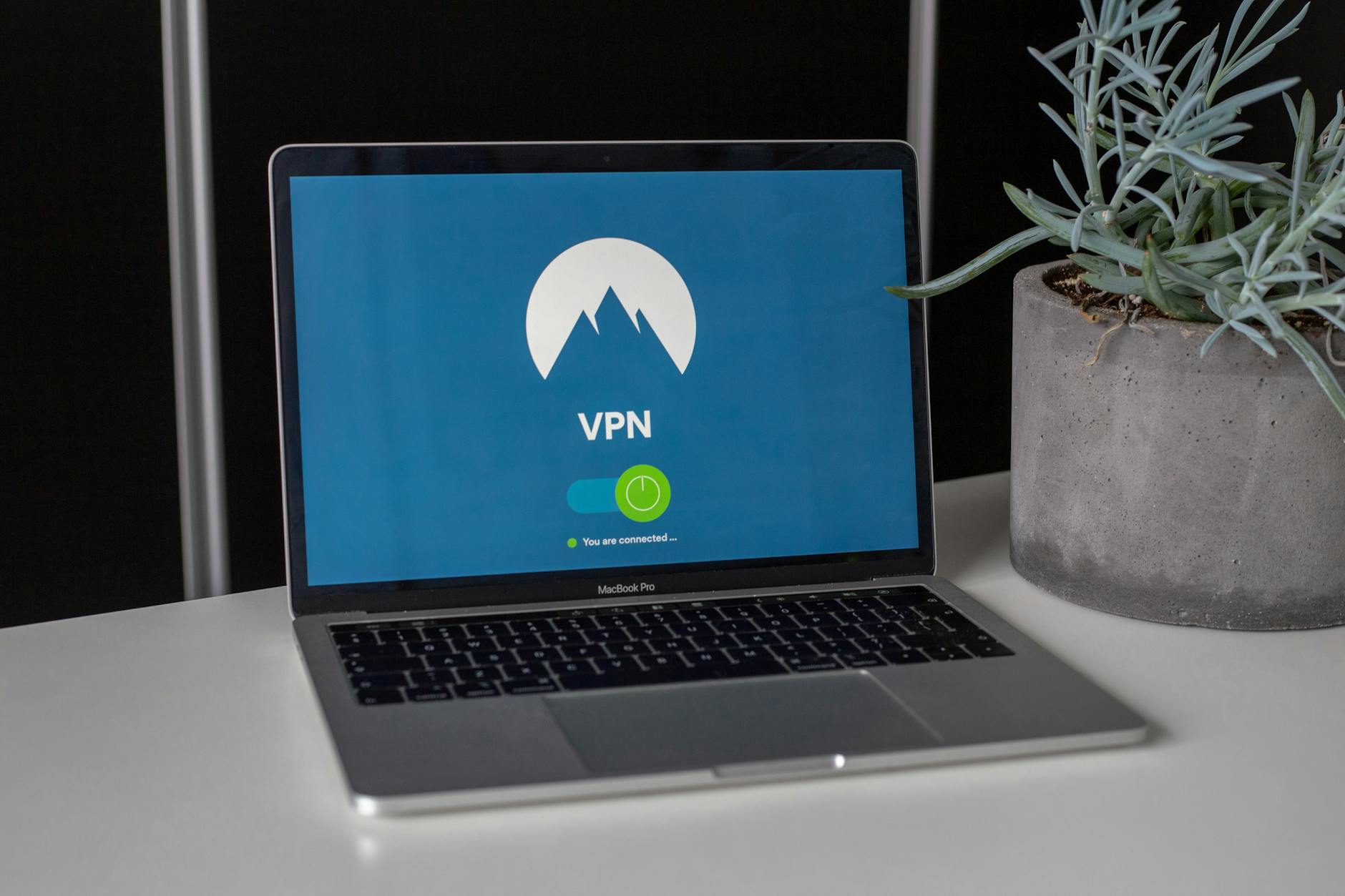
What to look for:
- Independent no-logs audit (meaning an outside security firm verified they don't keep connection logs)
- Jurisdiction outside the Five Eyes intelligence alliance
- Transparent ownership (no mystery parent companies)
- Kill switch feature (cuts internet if VPN drops, preventing accidental exposure)
Reputable options:
| VPN | Price/month | Notable for | |-----|-------------|-------------| | Mullvad | $5 (flat) | Maximum anonymity, accepts cash, no account email needed | | ProtonVPN | Free–$10 | Swiss jurisdiction, open-source, free tier available | | IVPN | $6 | Strong privacy focus, independently audited | | ExpressVPN | $6–$13 | Fast speeds, easy to use |
Avoid: Any free VPN without a clear business model. They monetize by selling your data — the very thing you're trying to protect.
Who Needs a VPN and Who Doesn't
You need a VPN if you:
- Frequently use public Wi-Fi
- Live in a country with significant internet censorship or surveillance
- Want to prevent your ISP from selling your browsing data
- Need to access region-restricted content regularly
You probably don't need a VPN if you:
- Primarily use trusted home internet
- Already use privacy-respecting browser settings and search engines
- Expect it to provide anonymity from websites you're logged into
For most people: a trustworthy VPN is a reasonable $5–$10/month investment. Just go in with clear expectations about what it actually protects.


