How to Build a Budget Gaming PC for Under $700 in 2026
You don't need to spend $2,000 to game on PC. A carefully chosen $700 build will outperform a current-gen console and handle modern games at 1080p without compromise.

June 30, 2026
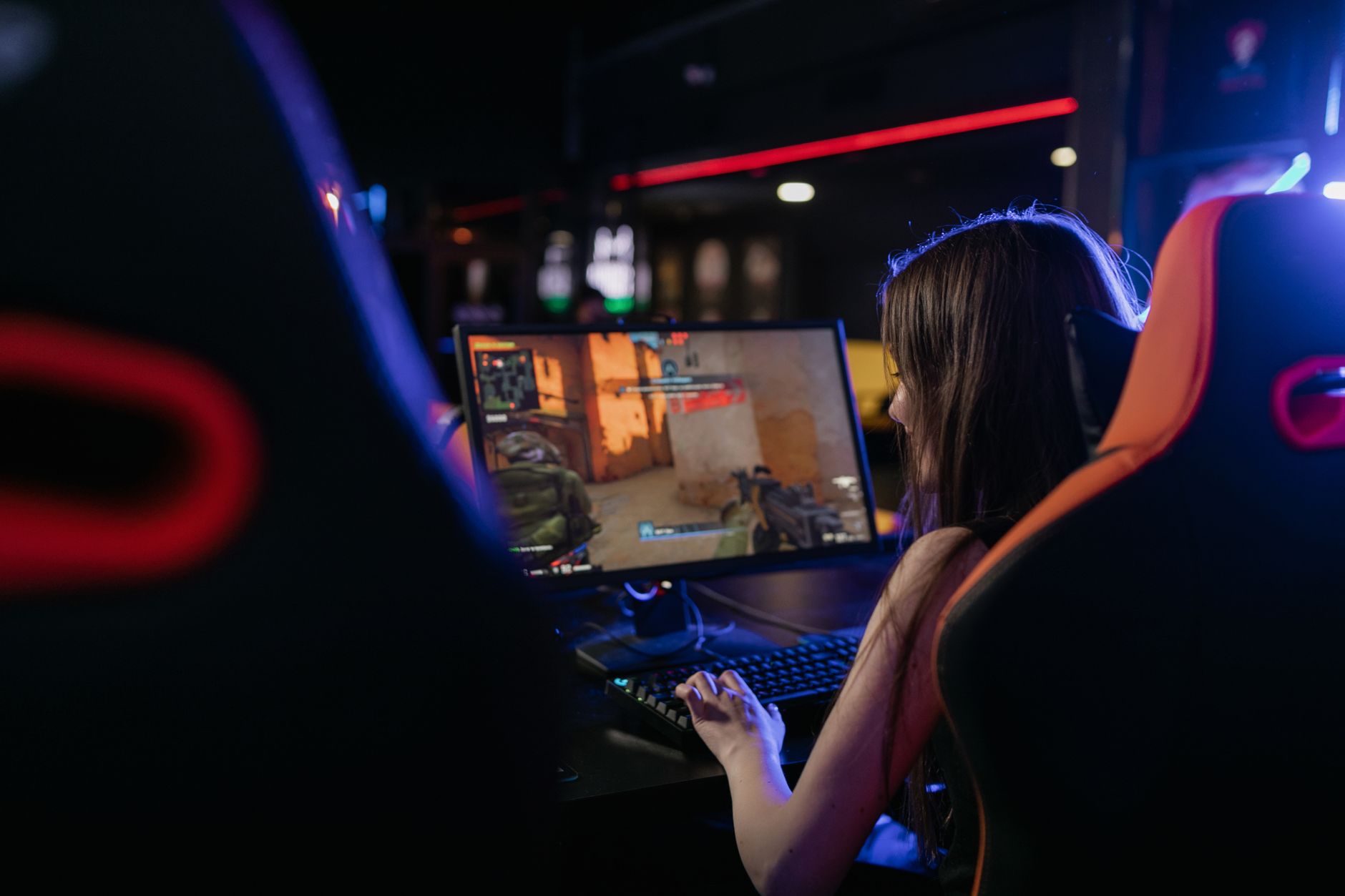
The myth that PC gaming requires a $2,000 investment persists despite years of evidence to the contrary. A well-chosen $700 build in 2026 will run most modern games at 1080p with high settings, handle 60fps comfortably, and outperform both current-generation consoles in GPU flexibility and upgrade potential. Here's exactly how to build one.
What $700 Gets You in 2026
Before diving into specific components, let's be clear about expectations. A $700 gaming PC in 2026 will:
- Run most modern titles at 1080p, high settings, 60fps
- Handle older titles and esports games at very high frame rates
- Struggle with ray tracing in demanding titles — that's a $1,200+ feature
- Last three to four years before requiring meaningful upgrades
That's a solid value proposition. And critically, a PC at this price point also serves as your productivity machine, media server, and general-purpose computer — capabilities a console doesn't offer.
The Component List
Here's a complete build that hits the $700 target as of mid-2026. Prices fluctuate, but this configuration represents an optimized selection at each price point.

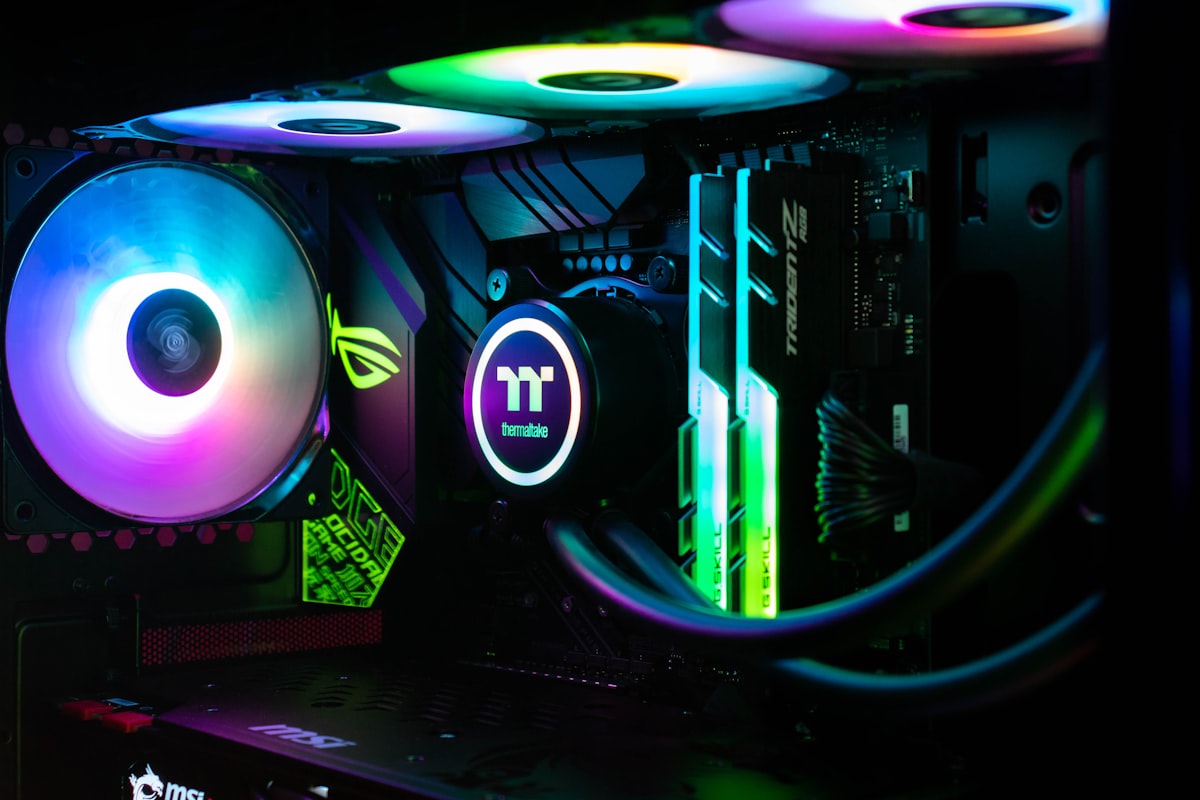
CPU: AMD Ryzen 5 7600 (~$170) The Ryzen 5 7600 is the best budget gaming CPU available. Six cores, twelve threads, and AMD's latest architecture give you performance that matches or exceeds Intel's offerings at this price range. It runs cool enough that box cooler is acceptable, though upgrading to a cheap aftermarket cooler is worth the extra $20.
GPU: AMD RX 7600 XT or NVIDIA RTX 4060 (~$230-250) This is where the most important decision lives. The RX 7600 XT offers better raw performance per dollar, while the RTX 4060 includes DLSS 3 — NVIDIA's AI upscaling technology — that makes games run significantly faster at minimal visual cost. Either works well at 1080p. If you play games with heavy DLSS support, go NVIDIA. Otherwise, AMD provides better value.
Motherboard: B650 board (~$110) AMD's B650 chipset provides everything you need without paying for features you won't use. Look for brands like MSI Pro, ASUS Prime, or Gigabyte B650M. PCIe 5.0 support, USB-A and USB-C on the rear, and two M.2 slots are standard at this price.
RAM: 32GB DDR5-6000 (~$70) 32GB has become the recommended minimum for gaming in 2026, as several recent titles genuinely benefit from the headroom. DDR5-6000 is the sweet spot for Ryzen 7000 series processors — anything faster is diminishing returns on the AM5 platform.
Storage: 1TB NVMe SSD (~$60) A Gen 4 NVMe SSD provides fast enough load times that you won't notice a difference from Gen 5 in gaming. 1TB fills quickly with modern games — titles frequently exceed 100GB — so if your budget allows, a 2TB drive is worth the extra $30.
Case: Any mid-tower ATX case (~$50) Case selection is personal, but at the budget level, prioritize airflow over aesthetics. Cases from Fractal Design, Lian Li, and Corsair all offer well-ventilated options under $60.
Power Supply: 650W 80+ Gold (~$70) Don't underinvest in the power supply. A failed PSU can damage other components. Brands like Seasonic, Corsair, and EVGA have strong reliability track records. 650W handles this configuration with headroom for future GPU upgrades.
Total: ~$730 (leaving room to shop sales and second-hand)
How to Save $50-100
A few strategies to bring the build under $700:
- Buy the GPU used — graphics cards from the previous generation hold their value well and can be found on eBay or Facebook Marketplace for significantly less than retail
- Wait for a sale on the CPU — AMD frequently runs promotions on older-generation chips
- Skip the aftermarket cooler initially — the box cooler performs adequately; you can add a better one later
- Shop multiple retailers — price differences between Amazon, Newegg, and Micro Center can be $20-30 per component
What You'll Need Beyond the Build
The component list above doesn't include everything you need to game. Budget for:
- Monitor: A 1080p 144hz monitor runs $130-170 and makes a significant difference in how smooth gameplay feels. Don't pair a 144hz GPU build with a 60hz monitor.
- Keyboard and mouse: A basic gaming keyboard and mouse can be had for $50-70 combined
- Operating system: Windows 11 is available through various legitimate avenues; many PC builders already have a license
- Thermal paste: Often included with aftermarket coolers; necessary if you buy a used CPU
Is Building Your Own PC Worth It?
In 2026, pre-built PCs have closed the value gap somewhat. Brands like CLX, Skytech, and iBUYPOWER sell systems that come close to custom build pricing, especially during sales. The trade-offs:
Building yourself: Lower cost, full knowledge of components, satisfaction of the build, easier to troubleshoot and upgrade
Pre-built: Warranty on the whole system, no build risk, available immediately, sometimes priced competitively during promotions
If you've never built a PC, the process is more approachable than it seems. YouTube tutorials from channels like Linus Tech Tips and GamersNexus walk through every step, and the process typically takes two to three hours for a first-time builder.
The Bottom Line
A $700 gaming PC in 2026 is a genuinely capable machine. The AMD Ryzen 5 7600 paired with an RX 7600 XT or RTX 4060 handles modern games at 1080p with comfort, and the platform has meaningful upgrade paths as your budget grows.

The PC gaming ecosystem — free online multiplayer, Steam sales, backward compatibility going back decades, the ability to mod games, and dual use as a productivity machine — provides value that a gaming console simply can't match.
Seven hundred dollars is not a compromise. It's a smart starting point.