How to Start Streaming Games on Twitch with Under $200 in Equipment in 2026
You don't need a professional studio to start streaming. The right $200 setup will have you live on Twitch looking and sounding better than most new streamers.

June 29, 2026
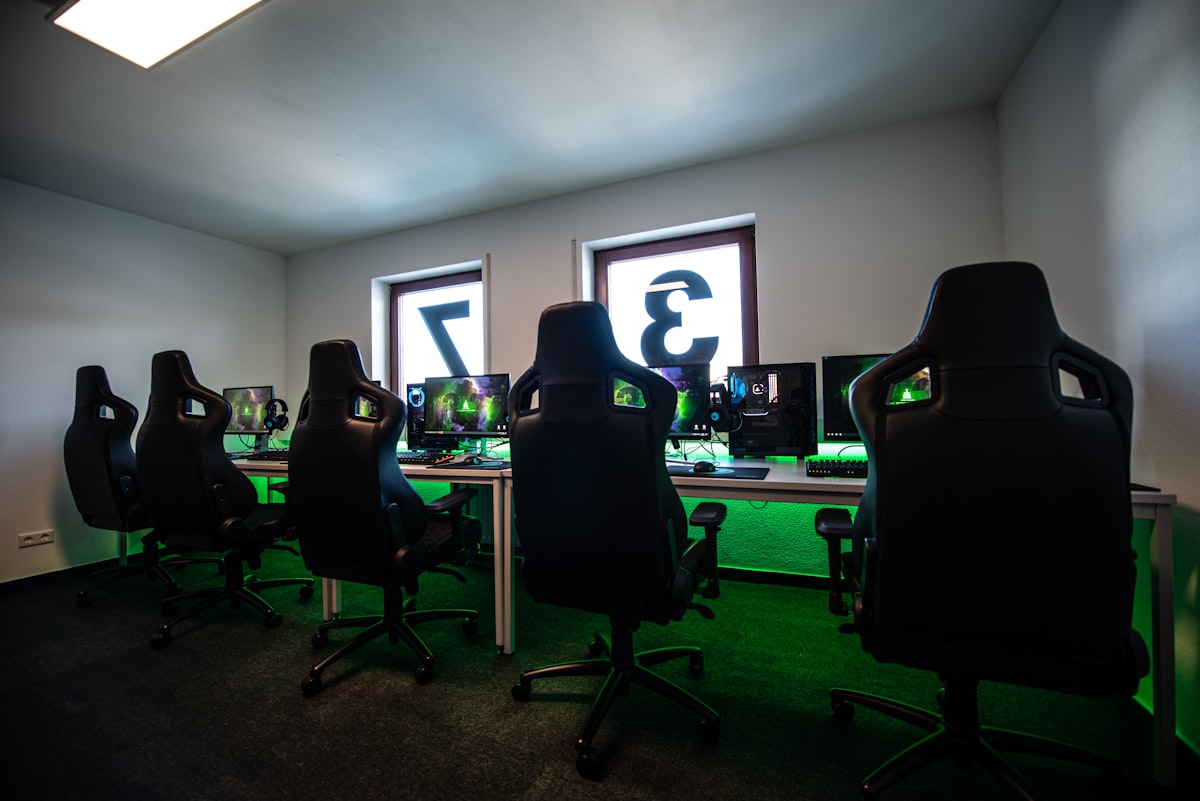
Twitch has lowered its barriers to entry significantly in recent years, and the technology that once required thousands of dollars in equipment now fits comfortably in a $200 budget. The difference between a new streamer who looks professional and one who looks like they set up in five minutes isn't the amount spent — it's the choices made with whatever budget is available.
Here's how to build a complete streaming setup for under $200 and what to do with it once you're live.
What You Actually Need to Start
Let's be clear about what matters. A stream has two components that viewers actually judge: audio and video. Of these, audio matters more. A blurry image is tolerable; crackling audio or significant background noise causes immediate viewer drop-off. Budget accordingly.
The non-negotiables:
- A microphone that doesn't sound like you're calling from 2003
- Stable internet — upload speed of at least 6 Mbps for 1080p streaming
- OBS Studio (free and open source — the industry standard for streaming software)
- A computer capable of running the game and encoding the stream simultaneously
Nice to have but not required at start:
- Webcam
- Ring light or lighting
- Capture card (for console streaming)
- Stream deck or physical controller panel
The $200 Equipment Breakdown
Microphone: Blue Snowball iCE (~$50) The Snowball iCE is the entry point for streaming audio that doesn't embarrass you. It's a USB cardioid condenser microphone that captures your voice clearly while rejecting significant ambient noise. For the price, nothing competes. If you can stretch to $80-90, the Blue Yeti Nano adds gain control and better off-axis rejection.
Do not use a gaming headset microphone for streaming. The audio quality is consistently poor, and it's the single most common mistake new streamers make. A dedicated microphone at any price point above $40 will sound substantially better.
Webcam: Logitech C920 HD (~$70 new, ~$40 used) Face cam isn't required, but streams with one consistently retain viewers longer than those without. The C920 is the most recommended entry-level webcam in the streaming community for good reason — it produces a stable, adequately sharp image in most lighting conditions and has remained reliable across years of heavy use.
If budget is tight, skip the webcam initially and invest the money in audio. Add the camera when you're sure streaming is something you want to continue.
Lighting: Small ring light or desk lamp (~$25-30) Good lighting is disproportionately effective at improving webcam image quality. A simple ring light positioned in front of your face (not behind or to the side) makes a $70 webcam look dramatically better. You don't need anything professional — any light source that illuminates your face evenly will do.
Total: ~$150-175, leaving budget for a pop filter (~$10) or boom arm (~$25) if needed.
Setting Up OBS Studio
OBS Studio is free, open source, and what most professional streamers use. Download it from obsproject.com.
Basic setup:
-
Add your game as a source: In OBS, click the + under Sources → Game Capture → select your game. This captures the game at full resolution.
-
Add your microphone: Sources → Audio Input Capture → select your microphone. Right-click the audio source → Filters → add a Noise Suppression filter (RNNoise works better than the default) and a Compressor.
-
Add your webcam (if using): Sources → Video Capture Device → select your webcam.
-
Configure output settings: Settings → Output → Streaming. Set encoder to either x264 (CPU) or NVENC/AMF (GPU, if available — far less CPU intensive). Bitrate of 4500-6000 Kbps for 1080p at 60fps.
-
Set stream key: In OBS Settings → Stream, select Twitch and connect your account. OBS will configure optimal settings automatically through the "Auto-Configuration Wizard."
Run the auto-configuration wizard before your first stream — it tests your CPU, GPU, and network to recommend settings appropriate for your hardware.
What Makes a Stream Worth Watching
The technical setup is the easy part. The harder question is why someone should watch your stream over the thousands of others streaming the same game.
A few principles that separate watchable streams from the rest:
-
Talk constantly, even when nothing is happening. Dead air is the fastest way to lose viewers. Narrate your thinking, react to what's on screen, ask yourself questions out loud.
-
Acknowledge every person who joins or follows. New viewers decide within about 90 seconds whether to stay. Being personally acknowledged keeps them watching.
-
Stream on a consistent schedule. Twitch's algorithm and viewer habits both favor consistency. Three days a week at the same time beats seven days a week at random times.
-
Play games you genuinely enjoy, not just whatever is trending. Your authentic reaction to the game is the content.
Growth Expectations in 2026
Be honest with yourself about Twitch's current landscape. The platform is enormously competitive, and achieving significant viewership as a new streamer is harder in 2026 than it was in 2020. Most new streamers will spend months streaming to very small audiences.
This is fine if your goal is entertainment and community-building on a small scale. It's difficult if your goal is rapid growth. Alternative approaches:
- Stream on TikTok or YouTube Shorts simultaneously using Restream or StreamElements, and use short clips to drive discovery
- Network with streamers of similar size through communities and Discord servers
- Choose games strategically — streaming in a mid-size category (1,000-5,000 viewers total watching) gives you better discoverability than the front page of Fortnite
The Bottom Line
Starting a Twitch stream in 2026 costs less than a night out. A Blue Snowball, a Logitech C920, a small ring light, and OBS Studio represent a complete professional-looking setup for under $200.
The technology is the easy part. The hard part — the part that determines whether anyone watches — is everything that happens after you click "Go Live."
Start with good audio. Everything else can wait.


